Signature input (question type)
The Signature input question type lets you collect typed signatures from respondents. This is useful for collecting proof of consent, agreement, or formal acknowledgment.
Respondents type their signature using their keyboard. You can set the question as mandatory so respondents cannot proceed without completing it.
To use this question type with Self-serve sample, you must enable the Permission to collect PII checkbox before saving your experiment.
Respondent view
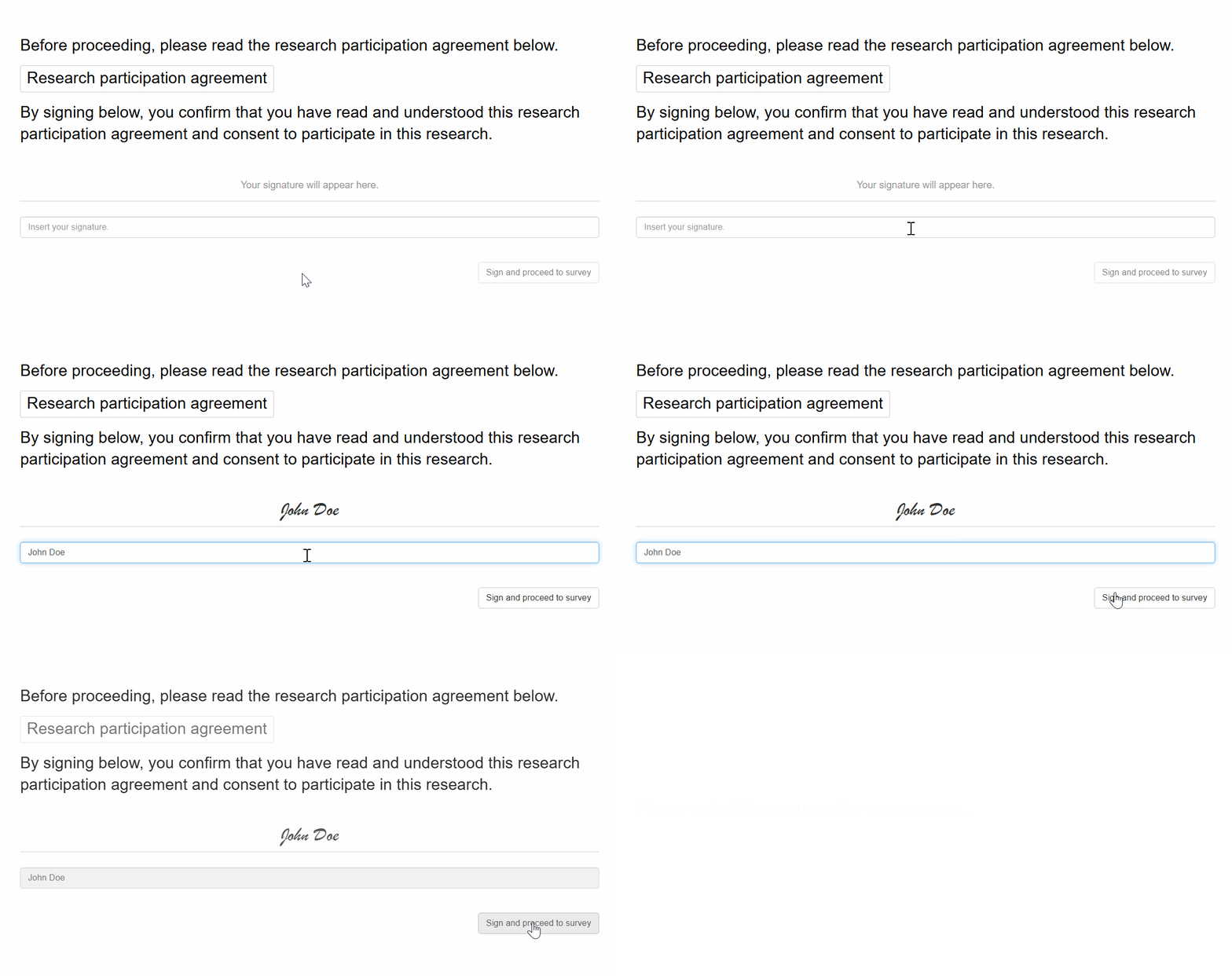
Setting up a signature input question
Follow these steps to set up a signature input question:
1. Add question
Navigate to the Add questions tab and click on the button at the bottom of the page.
On the Add or import questions pop-out, select the Add a new question tab and click on the question card to add it to the experiment.

2. Edit question options
Once you add the question, you can adjust the following settings:
- Edit the question text.
- Specify the custom continue button label.
