Likert scale
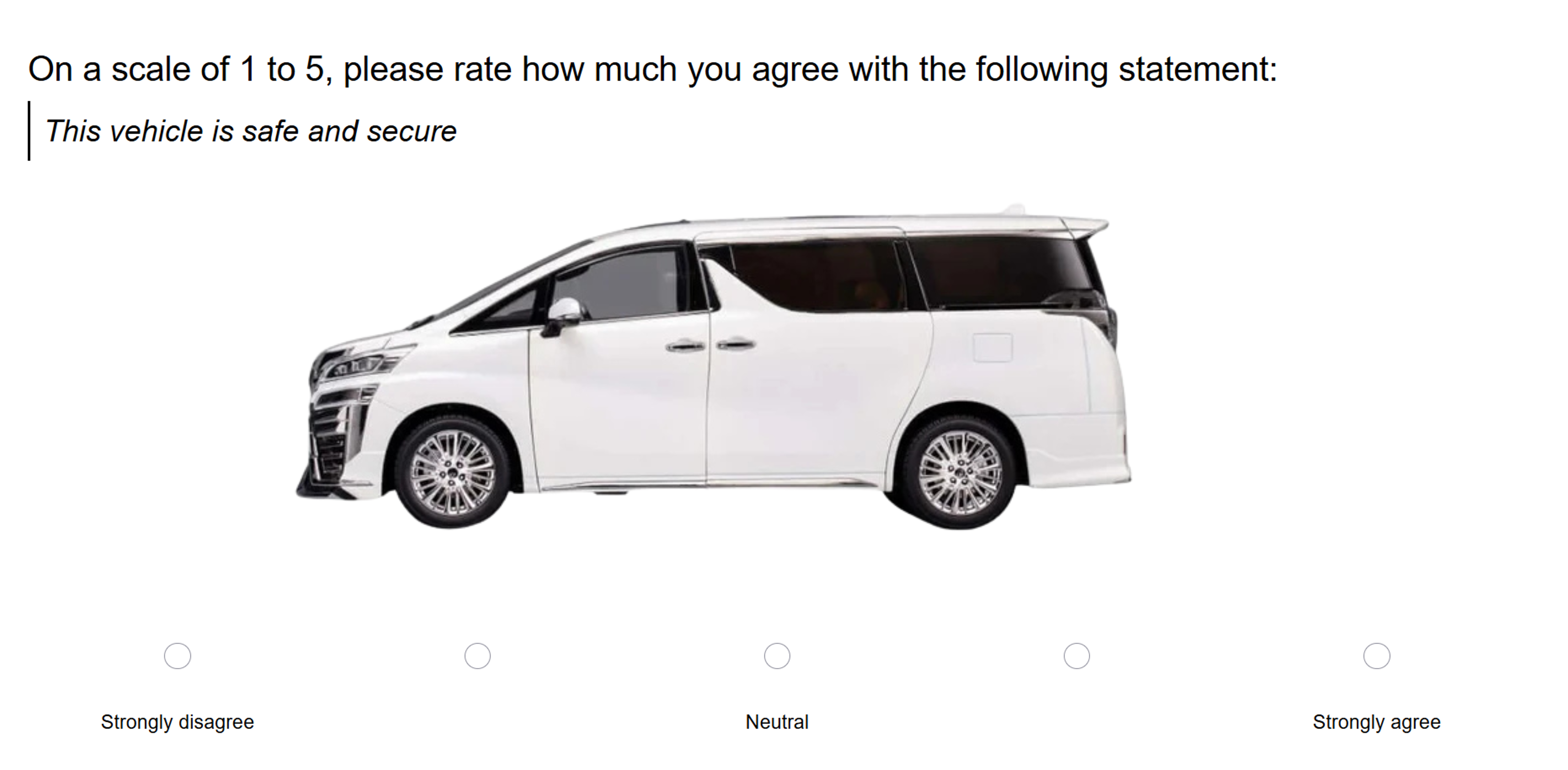
The Likert scale is one of the most commonly used question types, where participants are asked to respond to the question from a scale of numbers.
Likert scales are best suited for measuring perceptions or attitudes on a single dimension, such as agreement, satisfaction, or frequency. For measuring attitudes across bipolar dimensions (e.g., Modern ↔ Traditional), use semantic differential scales instead.
Check out some of the frequently used Likert scale questions.
Respondent view
Likert scale question outputs
Likert scale questions produce the following outputs:
- Descriptive statistics including minimum, mean, median, mode, maximum, and standard deviation for the responses.
- The range of possible values.
- Top N boxes showing the cumulative percentage of respondents for the top 1, 2, 3 and 4 boxes.
- The histogram of distribution of ratings.
- The number of participants who saw the question.

Setting up a Likert scale question
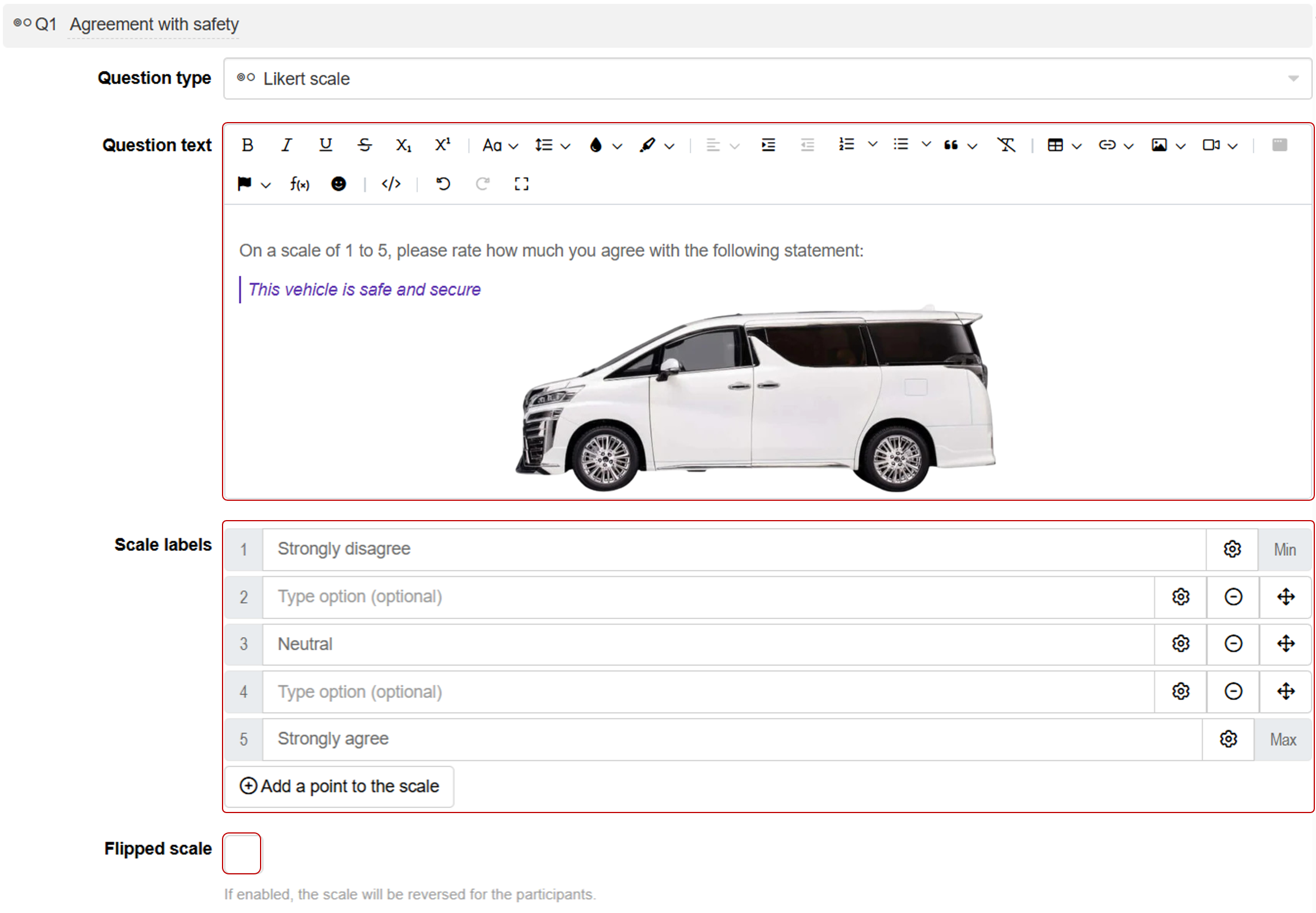
Follow these steps to set up a Likert scale question:
1. Add question
Navigate to the Add questions tab and click on the button at the bottom of the page.
On the Add or import questions pop-out, select the Add a new question tab and click on the question card to add it to the experiment.

2. Edit question options
Once you add the question, you can adjust the following settings:
- Insert the question text in the text box. You can also include formatting and images.
- Edit the labels for the minimum and maximum ratings. You may also specify intermediate labels like neutral, undecided, etc.
- Adjust the number of scale points by adding or reducing labels between the minimum and maximum ratings.
- Tick the flipped scale checkbox to show participants a reverse scale.
- Tick the required question? checkbox if you would like respondents to answer this question before proceeding further.