How to preview your study as a respondent?
Click the button to view the survey from a respondent’s perspective.
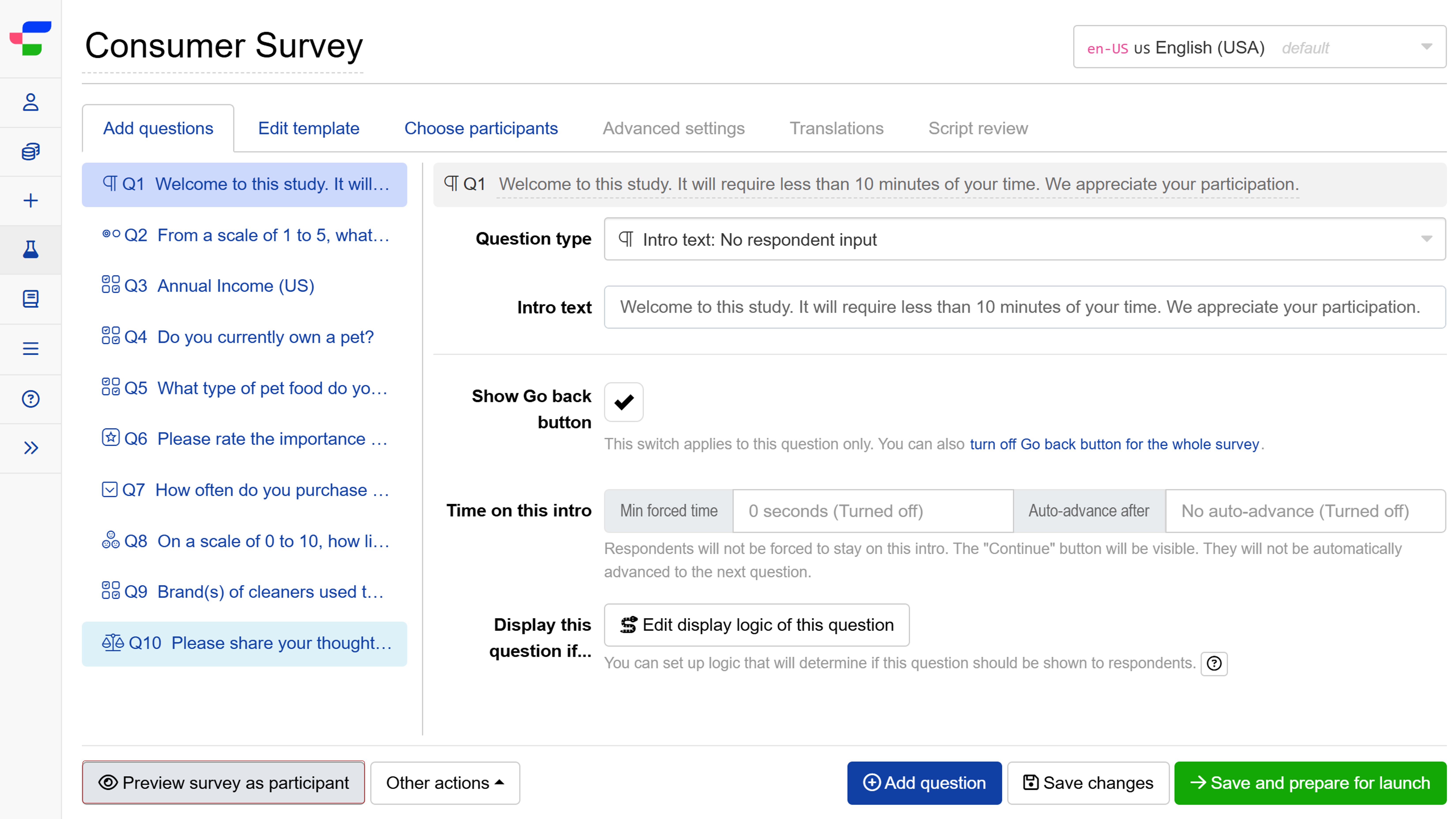
In preview mode, click the button to access the full preview tools. Three tabs are available:
- Jump to question lets you search and navigate directly to any question in the survey. Note that jumping to a question bypasses conditional logic and may disrupt the normal survey flow.
- Interactive debugger lets you test and debug formulas used in your survey, so you can verify that expressions and logic behave as expected before launch.
- Screen size lets you switch between device views to check how the survey appears on desktop, tablet, and mobile.
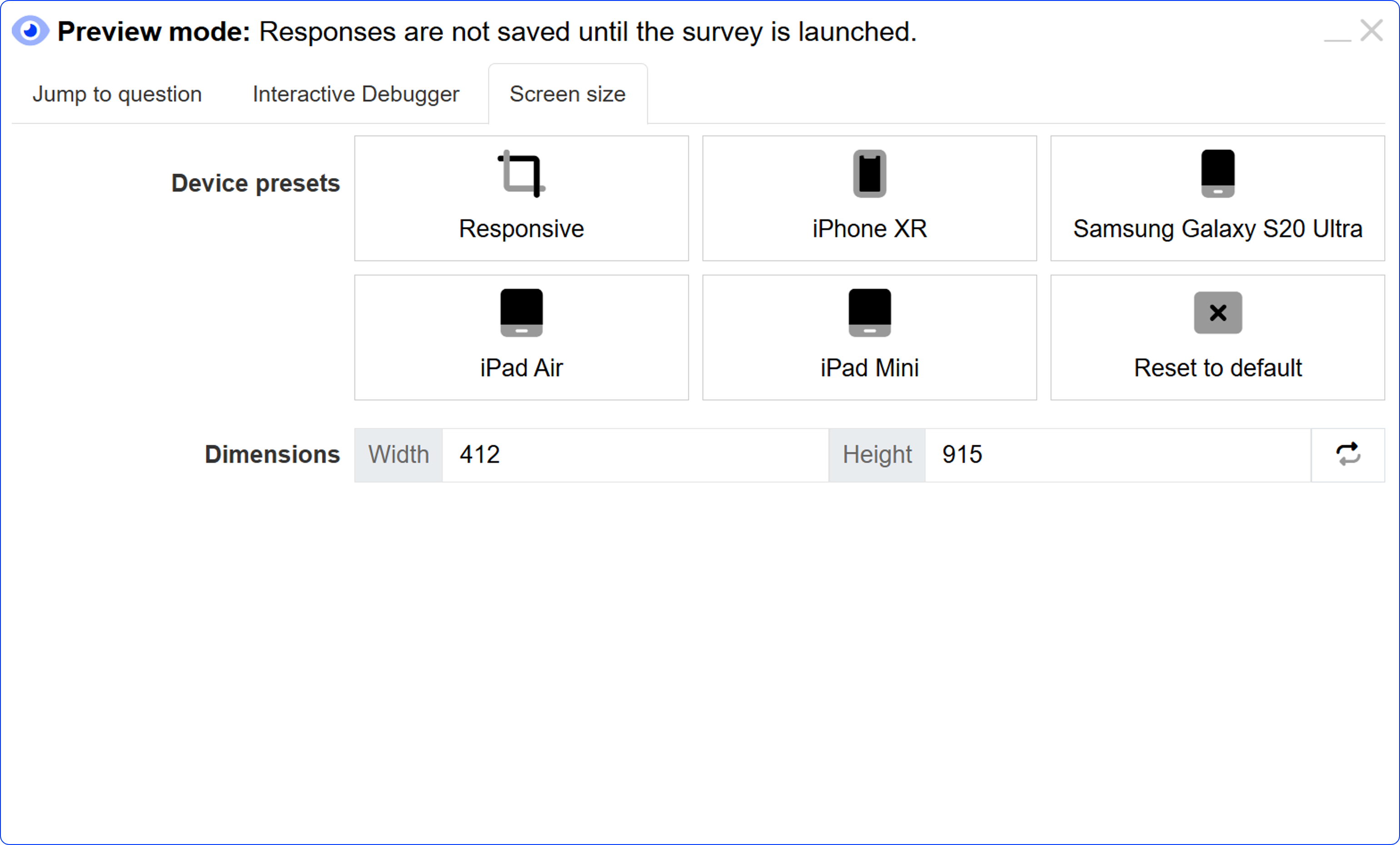
Please note that responses are not saved in preview mode until the survey has been launched.