Navigating through the JSON interface
On the Conjointly platform, you can view the JSON script of your survey.
In order to navigate to your experiment’s JSON script you should go to → → → . The following video demonstrates the above-mentioned procedure and the structure of JSON scripts, by making use of a single multiple choice question example inside a broader block of questions.
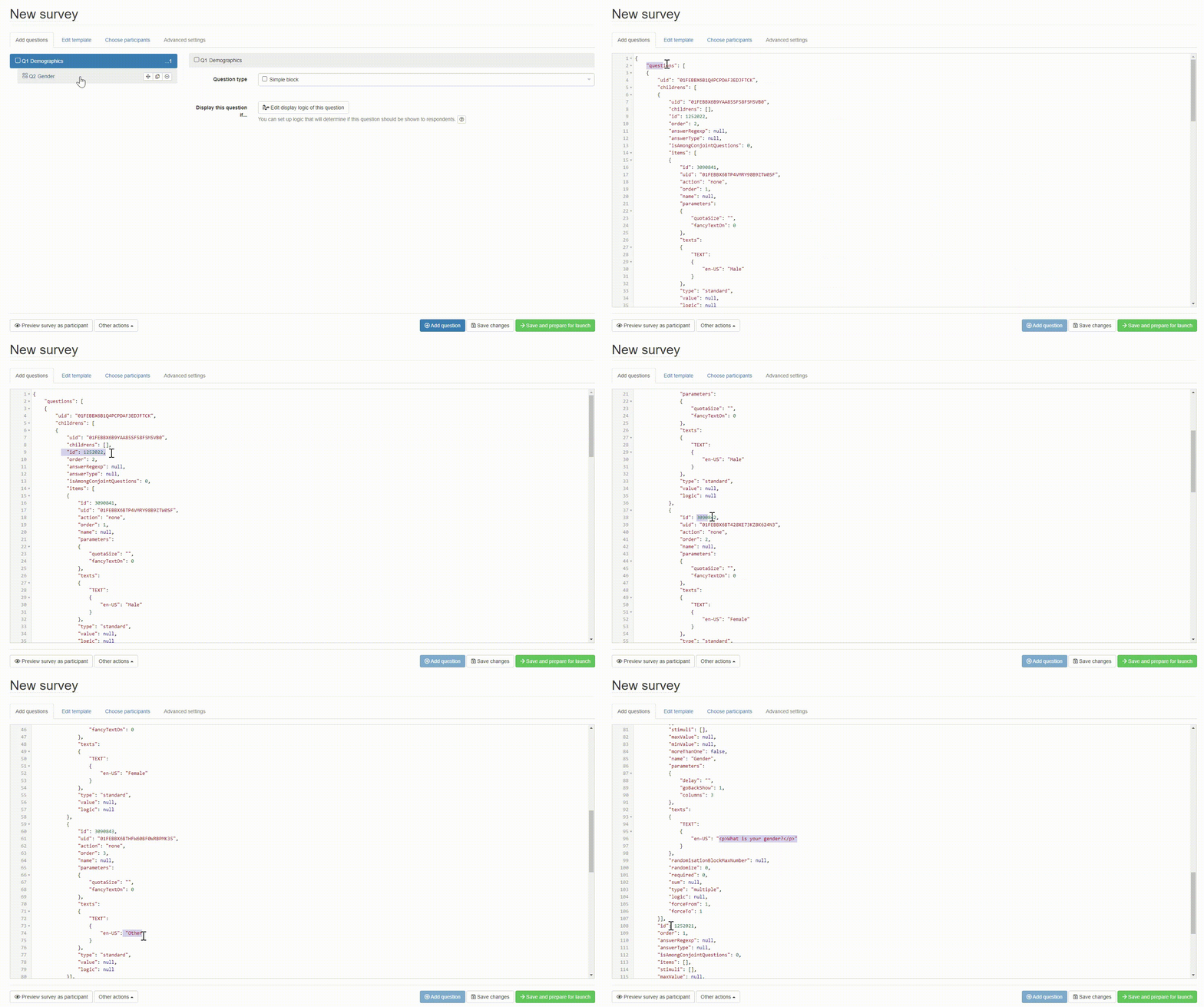
Each particular block, question and answer have their own individual ID number, which can be found next to the id component. It is always the case that answers are nested inside questions and questions are nested inside blocks. Across a complex and dense JSON script, the questions can be identified by following the first ID after the block node until the item component’s closing square bracket.