How to change your email?
To change the email address for your account:
- Go to your Account Settings page.
- In the section @ Email address Click on .
- Complete the form that appears, providing your new email address and confirming your password.
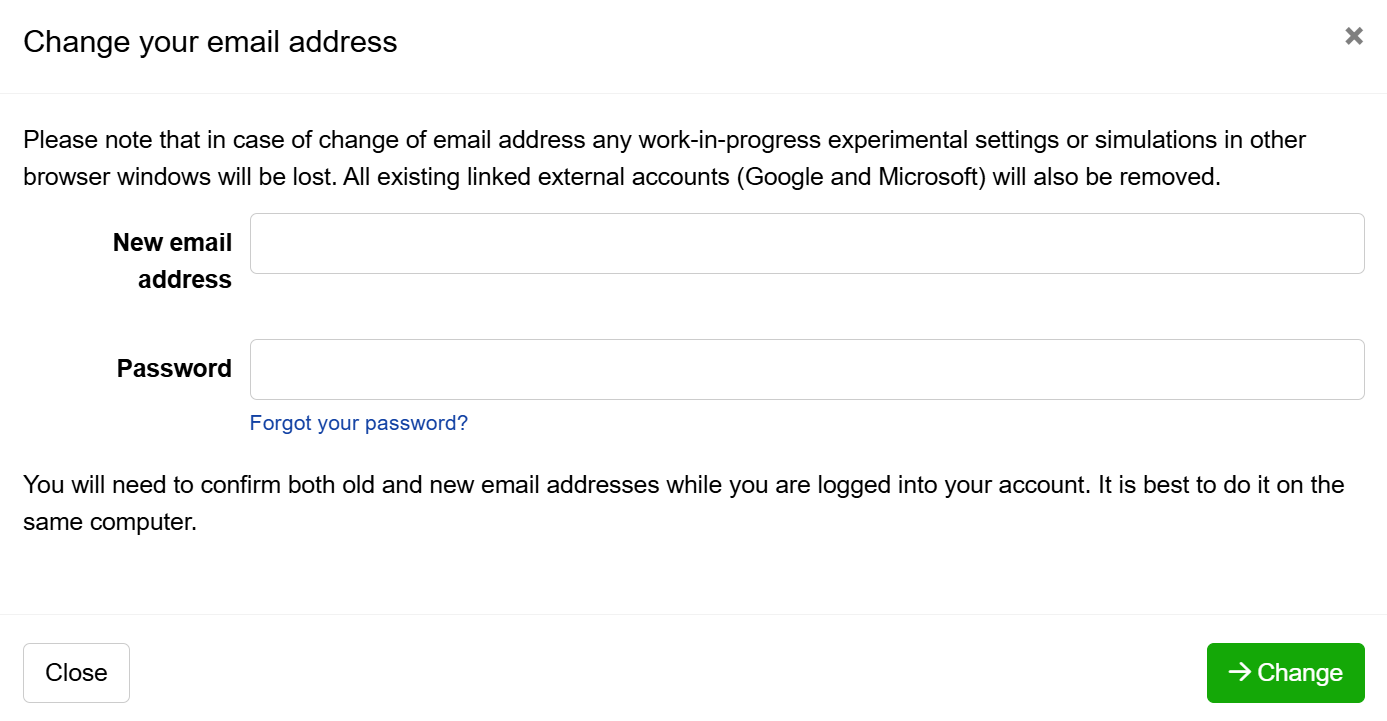
- Authorize the change of email address by answering a confirmation email sent to both the old and new email address.
What if I do not have access to my old email address?
If you do not have access to the email address used to make your Conjointly account, but can still log in to the account, you can create a new account, invite it to your old account’s team, and appoint it as a leader. This will grant the new account access to your existing license, experiments, and panels.
If you cannot log in to the existing account, please contact us at support@conjointly.com.